

A delicious Markdown editor for macOS.
Quindin is a native macOS editor built for Markdown. Syntax highlighting, document outline, and formatting shortcuts — fast, focused, and free.
Free Download on the Mac App Store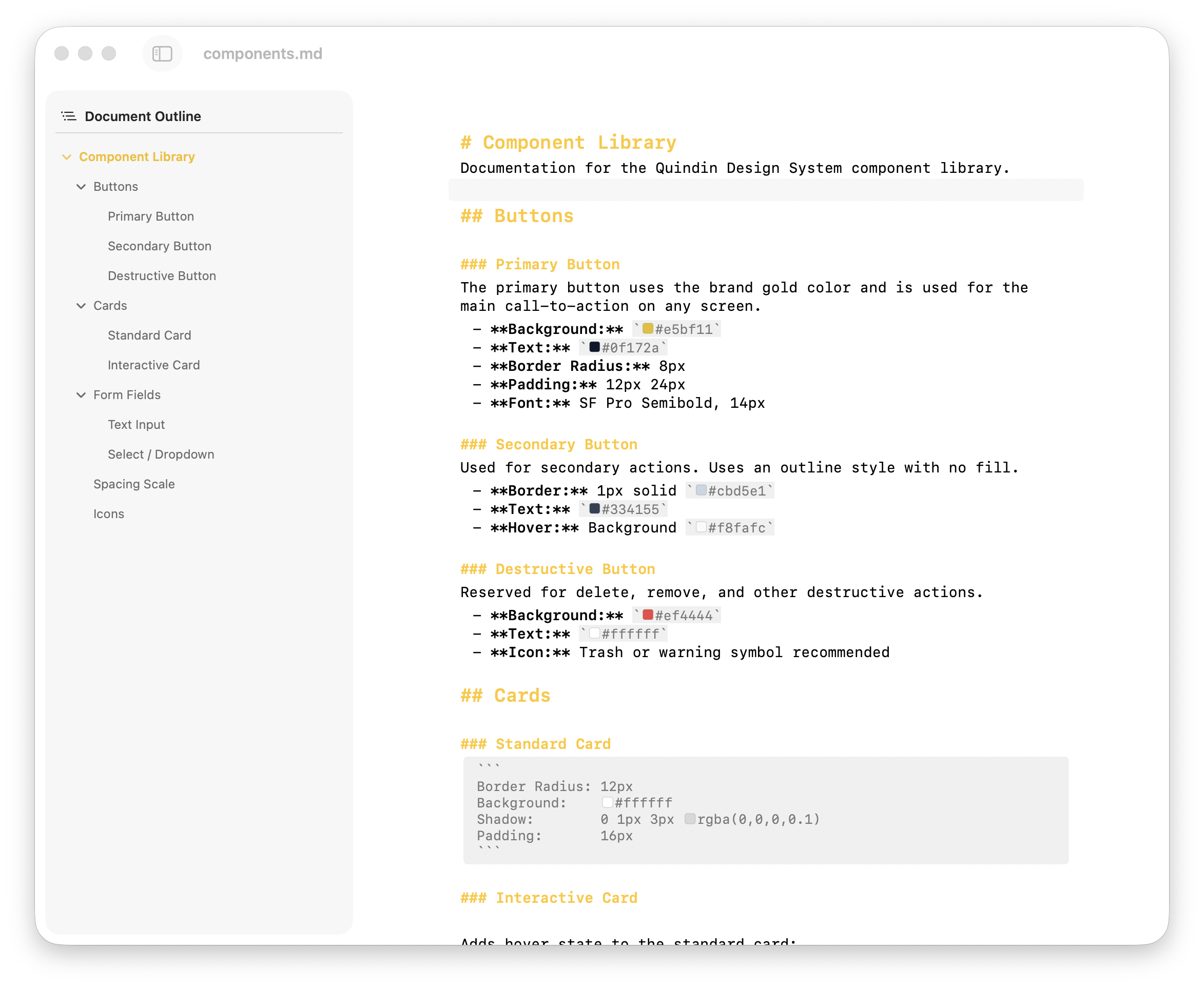
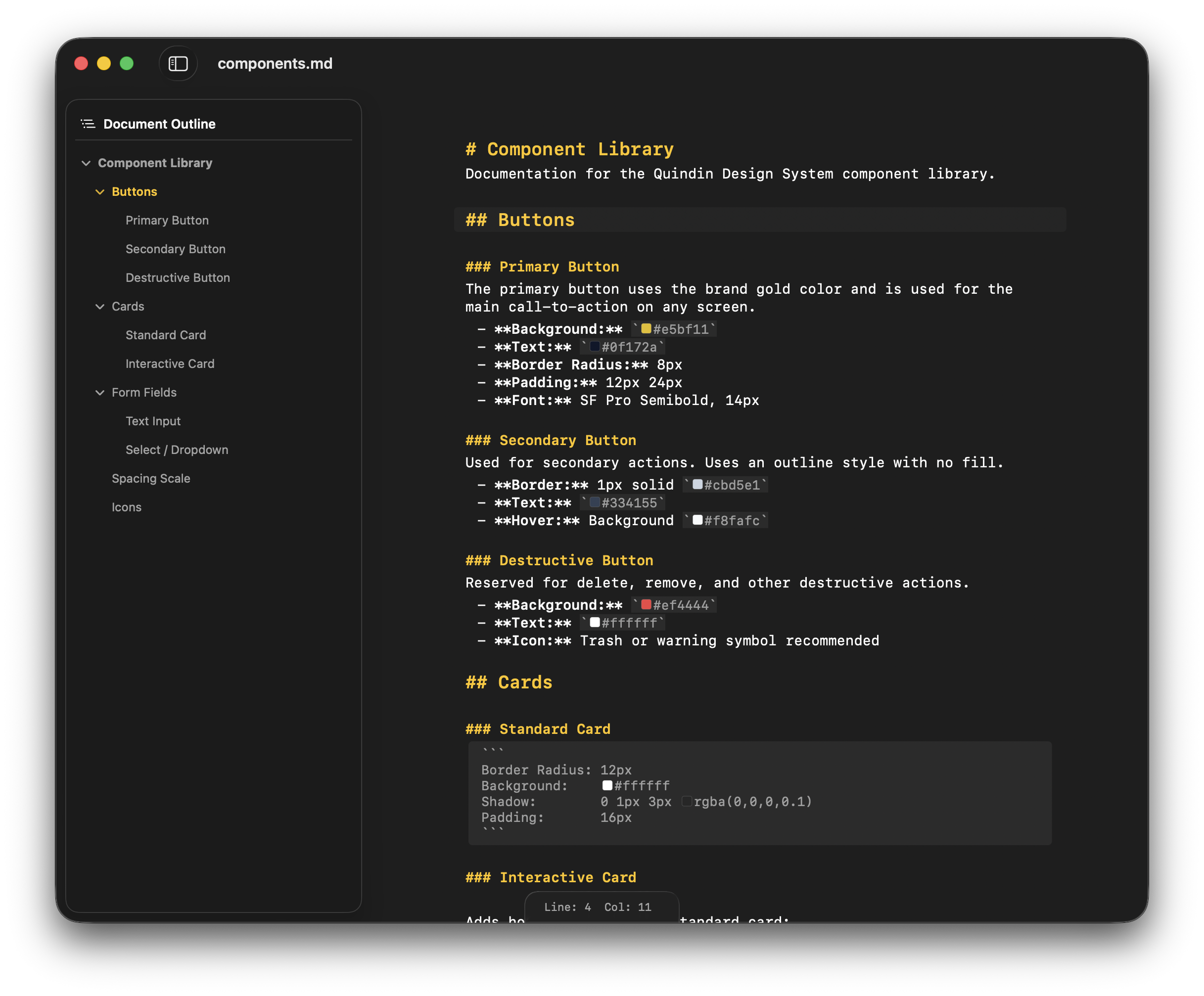
Markdown editing with syntax highlighting and document outline.
Features
Syntax Highlighting
Headings, bold, italic, code blocks, lists, and tables — all styled with distinct colors and sizes for easy scanning.
Document Outline
A heading outline shows your document structure at a glance. Click any heading to jump straight to it.
Formatting Shortcuts
Bold with Cmd+B, italic with Cmd+I, inline code with Cmd+K. Lists auto-continue when you press Enter.
Breadcrumb Navigation
See your position in the heading hierarchy. Click to navigate between sibling sections.
Find & Replace
Search across your file with match counting and keyboard navigation. Replace one by one or all at once.
File Browser
Open a folder and browse its entire tree. Drag files between folders, rename, duplicate, and create new files.
Soft Wrap
Wrap at the window edge or at a fixed column count. Perfect for prose or code-style formatting.
Fast & Native
Built with SwiftUI and AppKit. No Electron, no web views for the UI. Launches instantly, uses minimal memory.
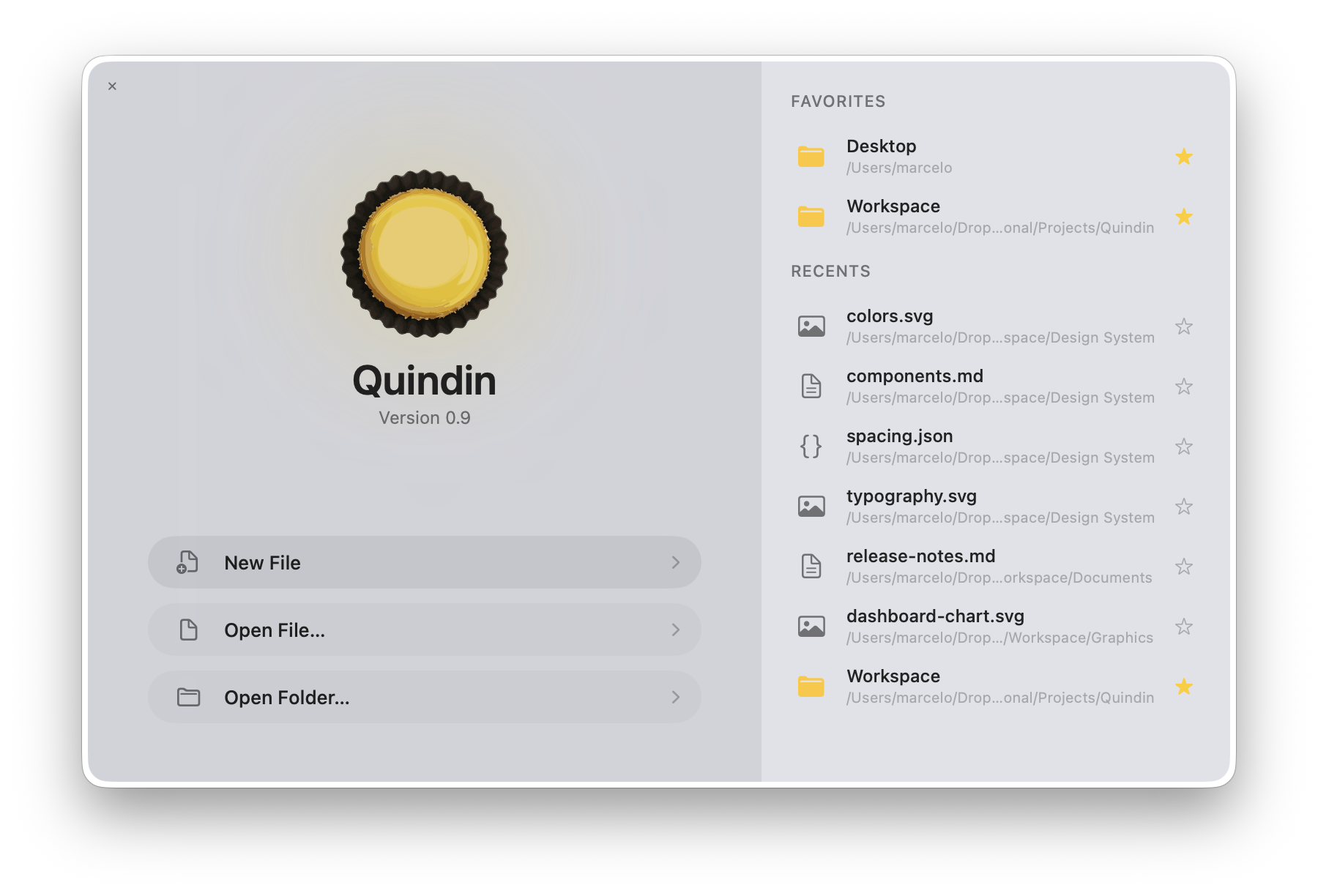
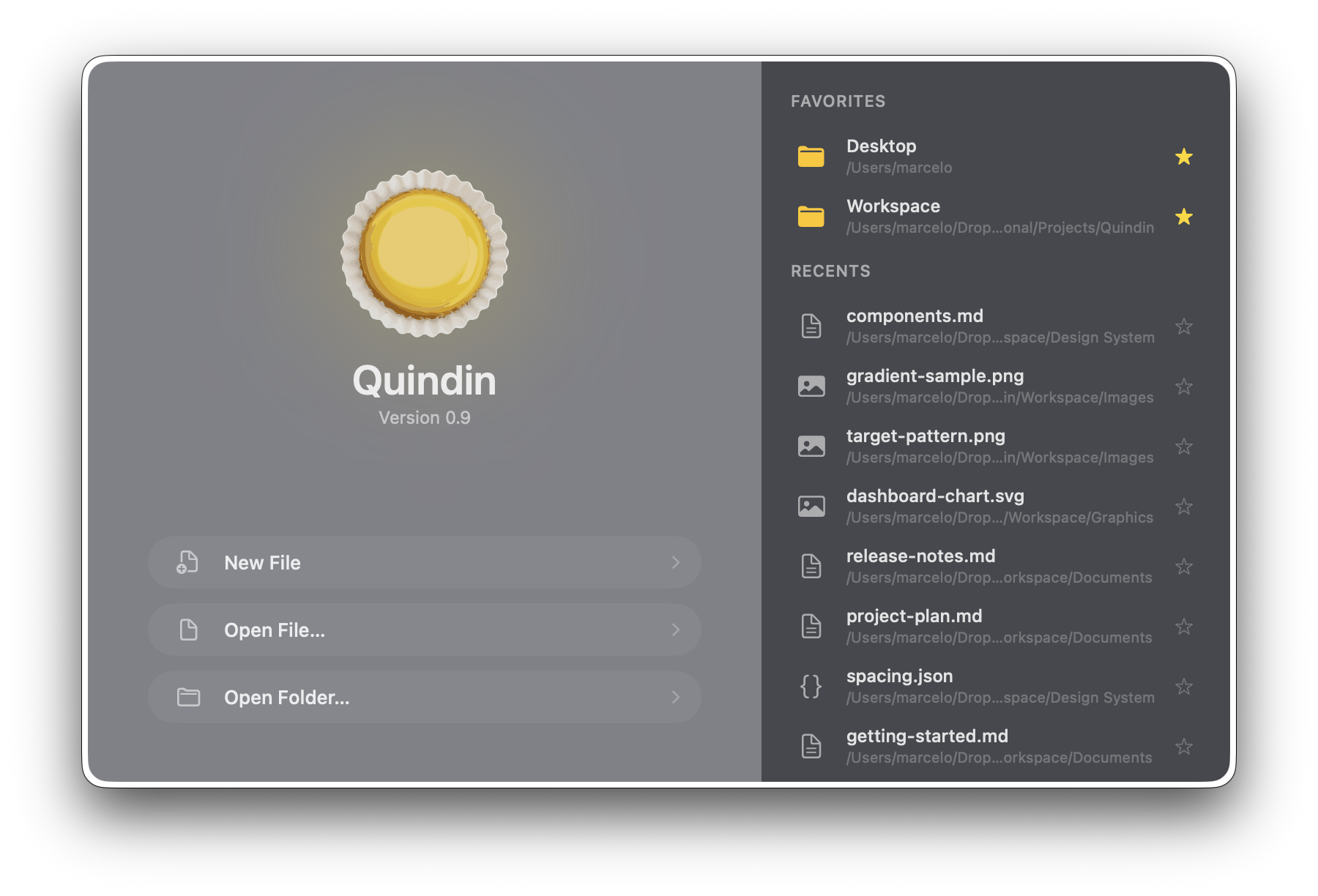
Quick access
Get Quindin
Free on the Mac App Store. Requires macOS 26 (Tahoe).