
 Quindin
Open Settings with Cmd , or from the Quindin menu.
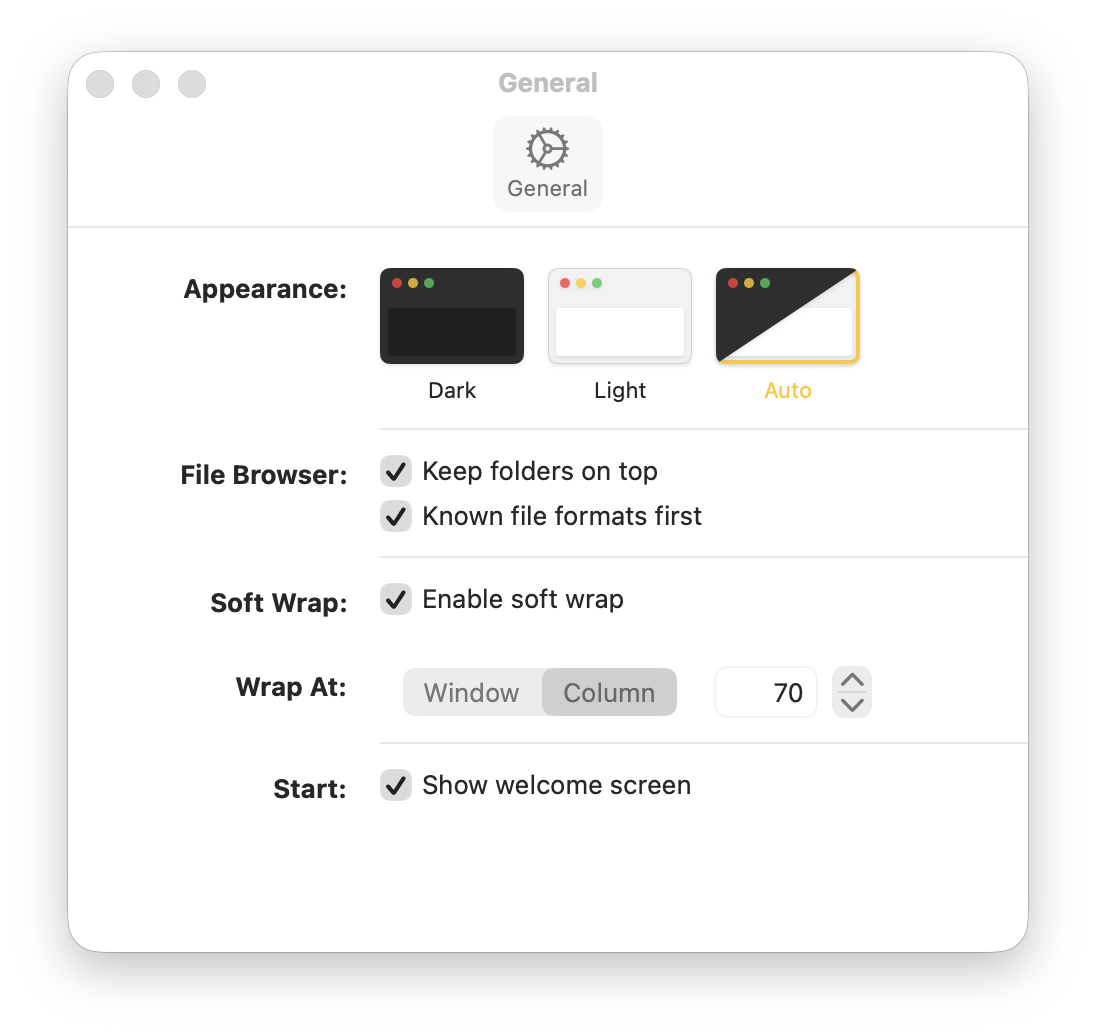
Appearance
Choose how Quindin looks:
- Dark — always use the dark theme
- Light — always use the light theme
- Auto (default) — follow the macOS system appearance
File Browser
Two options control how files are sorted in the sidebar:
- Keep folders on top (default: on) — folders always appear above files in each directory
- Known file formats first (default: off) — files Quindin recognizes (Markdown, plain text) sort above other file types
Soft Wrap
Controls how long lines are displayed in the editor:
- Enable/Disable — turn soft wrap on or off (default: on). Also toggleable with Cmd 7
- Wrap At — choose between two modes:
- Window (default) — lines wrap at the window edge
- Column — lines wrap at a specific column number
- Column Count — when using Column mode, set the wrap point from 20 to 400 characters (default: 70)
Font Size
The editor font size is adjustable from 9pt to 40pt (default: 13pt). Change it on the fly with Cmd + and Cmd -, or reset to 13pt with Cmd 0. The font size applies globally across all tabs.
Welcome Screen
Show welcome screen (default: on) — when enabled, the Welcome screen appears when you launch Quindin or reopen the app with no windows. Disable this to start with a blank editor window instead.
Settings Reference
| Setting | Default | Options |
|---|---|---|
| Appearance | Auto | Dark, Light, Auto |
| Folders on top | On | On, Off |
| Known formats first | Off | On, Off |
| Soft wrap | On | On, Off |
| Wrap mode | Window | Window, Column |
| Wrap column | 70 | 20–400 |
| Font size | 13pt | 9–40pt |
| Show welcome screen | On | On, Off |